
Creating your first Google Search Ads campaign can feel complicated when you encounter campaign goals, keyword match types, bidding strategies, ad assets, and conversion tracking.
The process becomes easier when you divide it into manageable steps.
In this guide, we will use a fictional website development business as an example. The same general process can be adapted for other businesses, although your settings and requirements may differ.
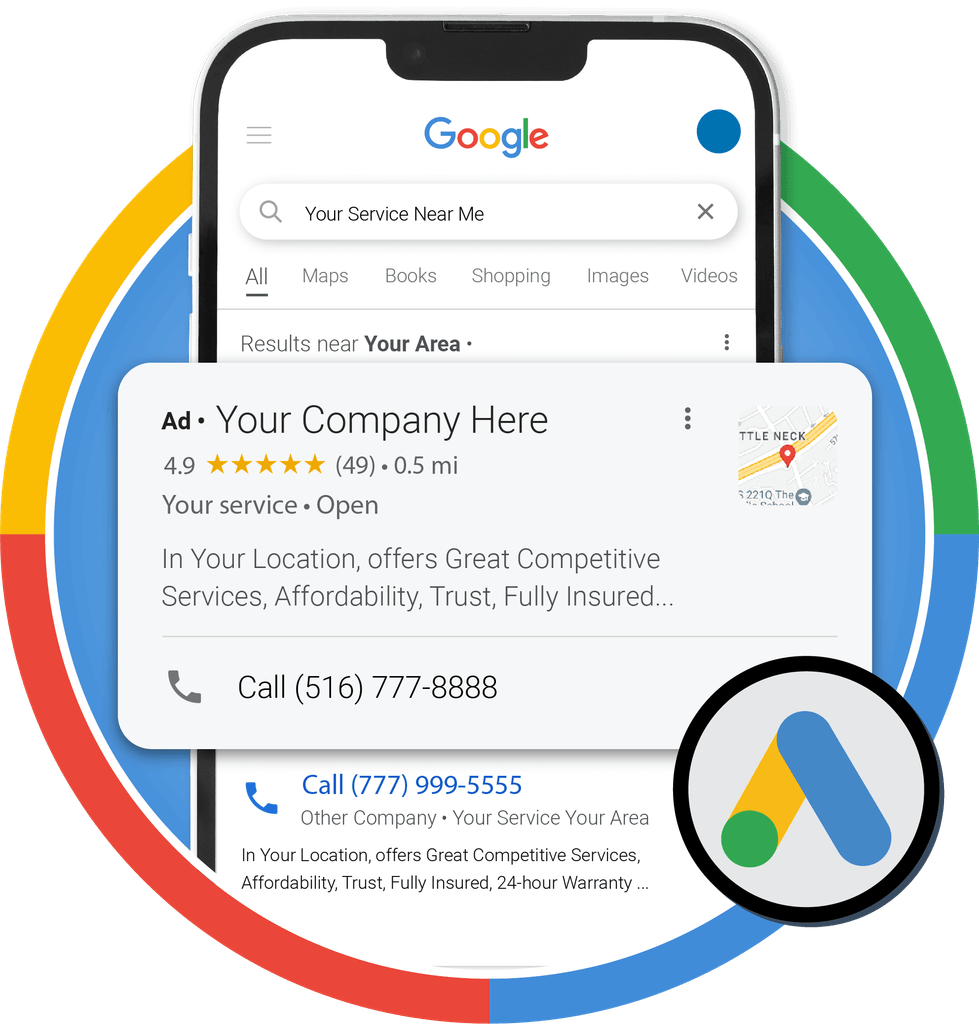
Step 1: Define Your Campaign Objective
Before opening Google Ads, decide what you want your campaign to achieve.
Your objective might be:
- Receiving qualified service inquiries.
- Generating product sales.
- Encouraging phone calls.
- Increasing relevant website visits.
Avoid setting up a campaign simply because you want more traffic. Decide what useful action visitors should take after clicking your advertisement.
For example, a website development business might want potential customers to submit a consultation request.
Step 2: Prepare Your Landing Page
A landing page is the page users visit after clicking your advertisement.
Before launching your campaign, make sure the page:
- Explains the service clearly.
- Matches the message in the advertisement.
- Works properly on mobile devices.
- Loads reliably.
- Includes a clear next step.
- Provides accurate contact information.
- Offers a usable form or other relevant conversion action.
Sending every visitor to the homepage may not be the best choice if you have a more relevant service page.
A well-designed landing page can support better user experience, but it cannot guarantee conversions.
Step 3: Conduct Keyword Research
Keywords help connect Search campaigns with relevant search queries.
For a website development service, potential keyword ideas might include:
- Website development services.
- Business website developer.
- WordPress website development.
- Website design company.
These are starting ideas, not verified recommendations for every location or business.
Use the Google Ads Keyword Planner and review search results to discover relevant terms. Consider whether the search indicates that someone is looking to learn, compare options, or hire a service provider.
Avoid targeting terms that are unrelated to what you offer.
Step 4: Understand Keyword Match Types
Google Ads supports different keyword match types that influence which searches may trigger your ads.
Broad Match
Broad match can reach a wider range of searches related to your keyword, using Google’s understanding of intent and other signals.
It may help discover additional relevant searches, but it requires careful monitoring.
Phrase Match
Phrase match can reach searches that include the meaning of your keyword, with additional words or variations where appropriate.
It offers a different balance of reach and relevance from broad match.
Exact Match
Exact match generally provides more focused matching around the meaning of your keyword and close variations.
Despite its name, it does not necessarily mean that only the identical typed phrase can trigger an ad.
Beginner tip: Choose match types according to your goals, conversion tracking, and available budget. Review actual search terms and add negative keywords when appropriate to reduce irrelevant traffic.
Step 5: Create Your Campaign
Sign in to Google Ads and begin creating a campaign.
The exact interface and available options may change, but the general process involves:
- Selecting a campaign objective or creating a campaign without a specific goal guidance.
- Choosing Search as the campaign type.
- Entering the website or other requested business information.
- Configuring campaign settings.
- Selecting the relevant locations and languages.
- Setting up ad groups and keywords.
- Creating your ads.
- Reviewing the campaign before publishing.
Read each setting carefully. The choices you make here influence where and how your ads may appear.
Step 6: Configure Location Targeting
Location targeting is particularly important for service businesses.
If your company only serves customers in certain cities or regions, configure the campaign to reflect that service area.
Also review the location options that determine whether users are included based on their presence in a location or their interest in it. The available options and wording may change.
After launch, check location performance to identify irrelevant traffic and potential opportunities.
Step 7: Write Relevant Search Ads
Your advertisement should closely reflect the searcher’s needs and the content of the landing page.
For a website development business, an example of ad messaging could include:
Headline ideas:
- Website Development Services
- Build a Professional Business Website
- Request a Website Consultation
Description idea:
“Need a website for your business? Explore website development services tailored to your goals. Contact us to discuss your project.”
Use these ideas only if they accurately describe your service. Your actual ad format and character limits depend on the campaign type and current Google Ads requirements.
Include relevant ad assets where appropriate, such as sitelinks, callouts, or structured snippets, if they are available and suitable for your campaign.
Step 8: Choose a Budget and Bidding Strategy
Set a budget that allows you to test the campaign without putting your finances under unnecessary pressure.
Your bidding strategy should reflect the outcome you want.
For example, a campaign focused on traffic may use a click-oriented strategy, while a campaign with reliable conversion data may be able to optimize toward conversions.
Do not assume that automated bidding will solve weak targeting, poor landing pages, or inaccurate conversion tracking.
Review the campaign’s budget and bidding settings before launch.
Step 9: Set Up Conversion Tracking
Conversion tracking helps you measure whether advertising leads to valuable actions.
Depending on your business, conversions might include:
- A completed inquiry form.
- A confirmed purchase.
- A qualified phone call.
- Another meaningful action on your website.
Choose the events that matter to your business and configure tracking using an appropriate method, such as Google Ads conversion tracking or a supported Google Analytics integration.
Test the setup before relying on the results. Duplicate or incorrectly configured conversion events can make campaign performance appear better or worse than it actually is.
Respect applicable privacy requirements and consent choices.
Step 10: Review and Launch Your Campaign
Before publishing, check:
- Campaign objective and type.
- Location and language settings.
- Keywords and match types.
- Negative keywords, where relevant.
- Ad copy and assets.
- Landing-page functionality.
- Budget and bidding settings.
- Conversion tracking.
- Billing and policy requirements.
Once the campaign is eligible to serve, monitor its early performance without making unnecessary changes every few hours.
What Should You Monitor After Launch?
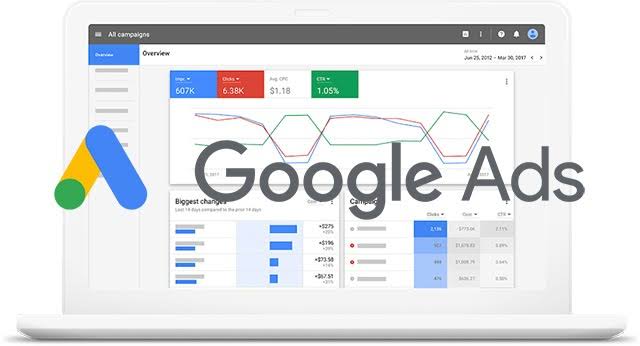
The most useful metrics depend on your campaign objective.
| Metric | What It Helps You Understand |
|---|---|
| Impressions | How often your ads were shown |
| Clicks | How many clicks your ads received |
| CTR | The proportion of impressions that resulted in clicks |
| Average CPC | The average amount paid per click |
| Conversions | The number of tracked desired actions |
| Conversion rate | The proportion of relevant interactions that resulted in conversions |
| Cost per conversion | The average advertising cost for each recorded conversion |
A campaign with many clicks but no meaningful conversions may need a review of search terms, targeting, landing-page quality, or tracking.
Conclusion
Creating a Google Search Ads campaign requires more than selecting keywords and writing an advertisement.
Start with a clear objective, prepare a relevant landing page, research search terms, configure targeting, choose a suitable budget, and measure conversions accurately.
Once your campaign is running, use the data to identify problems and opportunities. A careful testing process is more useful than changing settings without a clear reason.